
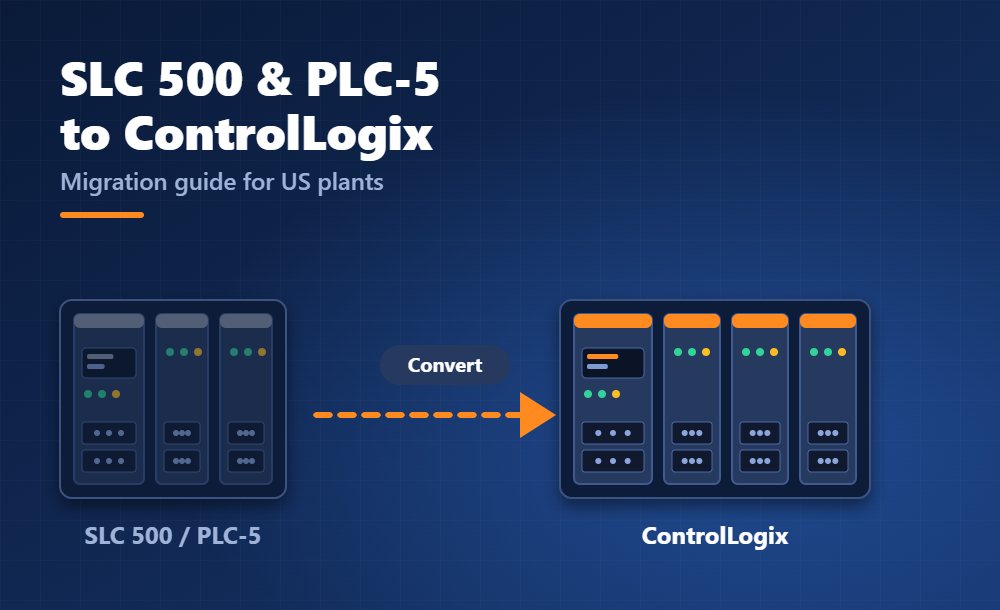
Many US plants still run Allen-Bradley PLC-5 and SLC 500 controllers that are decades old. They work, but spare parts and skilled programmers are getting harder to find. This guide explains how to plan a migration to ControlLogix or CompactLogix, which tools help and which mistakes to avoid.
Why migrate now?
Rockwell Automation lists the PLC-5 as discontinued. The company still repairs PLC-5 controllers and related parts as the original manufacturer, and it offers remanufacturing for plants that are not ready to migrate. Repair buys time, but it does not remove the obsolescence risk.
For the SLC 500, Rockwell publishes a dedicated SLC 500 to CompactLogix 5380 migration offer, which shows the recommended direction. Check the lifecycle status of each catalog number you own, because the status can differ between modules.
Step 1: Inventory and check lifecycle status
First, list every controller, rack, I/O module, communication card and HMI in the system. Include the program version and the network each device uses. Then search each catalog number in Rockwell’s Product Lifecycle Status tool. It shows the status and the recommended replacement for each part.
You can import a bill of materials into Rockwell’s tools to analyze lifecycle issues at once. In addition, the Product Compatibility and Download Center (PCDC) tells you which firmware and software versions work together. Our guide to Studio 5000 Logix Designer versions and requirements explains how to match them.
Step 2: Choose your migration approach
| Approach | What it means | Best for |
|---|---|---|
| Full replacement | Replace controller, I/O and wiring in one shutdown | Small machines and short outages |
| Phased migration | Move the controller first and keep old I/O, then replace I/O later | Large lines that cannot stop for long |
| Hybrid with bridging | Run old and new controllers side by side with network interface modules | Plants that migrate area by area |
Rockwell offers self-service tools for each approach. These include hardware selection and conversion applications, automated code conversion tools, controller and I/O wiring conversion systems, and network interface modules. You can also hire Rockwell or a system integrator for a turnkey migration.
Step 3: Convert and review the code
PLC-5 and SLC 500 programs use file-based addressing. A bit address such as N7:0/15 means integer file 7, word 0, bit 15. ControlLogix uses tags with descriptive names, so the structure of the program changes. Automated conversion tools do most of the translation. However, you must review the result line by line.
Pay special attention to these points:
- 16-bit integers in the old system versus 32-bit DINT values in Logix;
- indirect addressing, which often needs a redesign with arrays;
- timers, counters and interrupt routines, because the behavior can differ;
- scan time, since a faster controller can expose race conditions that the old one hid.
Because tags describe what they hold, take the chance to clean up the program. Rename tags, group data in user-defined types and remove dead code. Our modular programming tips for Studio 5000 show how to structure the new project.
Step 4: Plan the network and wiring
Older systems often use Data Highway Plus and Remote I/O. ControlLogix uses EtherNet/IP, so you need either new network hardware or interface modules during the transition. Wiring conversion systems can reduce the rewiring work when you move field wiring to new I/O modules. As a result, outage time can drop and wiring errors become less likely.
Step 5: Test before you cut over
Test the converted program on a simulator or a spare controller. Studio 5000 Logix Emulate lets you run Logix code on a PC. Next, prepare a rollback plan with the old program, the old hardware and a clear time limit. Finally, schedule the cutover in a planned shutdown, and keep the original controller until the line has run stably for several weeks.
Common mistakes
- Skipping the inventory and discovering unlisted devices during the outage.
- Trusting the automatic conversion without a code review.
- Forgetting HMI screens, drives and third-party devices that talk to the old controller.
- Ignoring documentation, so the next engineer faces the same mystery.
Where to start
Read Rockwell’s official PLC-5 to ControlLogix migration page to see the tools in detail. If you are deciding between brands for the new system, our comparison of Allen-Bradley vs Siemens PLCs can help. More software and documentation is available in our Rockwell Automation downloads. Migration also creates a good moment to learn the platform properly, so see our guide on Allen-Bradley PLC training in the US.