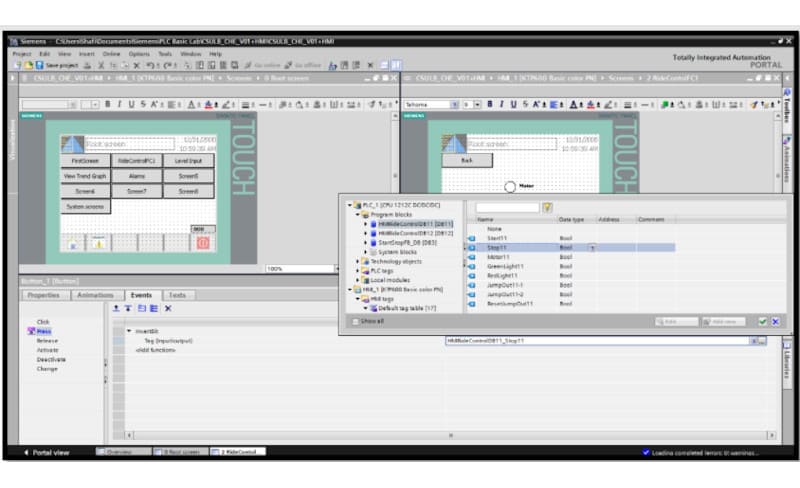
HMI & SCADASiemens Siemens TIA Portal HMI by admin January 2, 2022 January 2, 2022 951 views 951 This manual shows the first steps to create HMI screen projects with Simatic STEP 7 (TIA Portal), using a KTP600 Basic screen HMI & SCADA 0 comments 0 FacebookTwitterPinterestEmail previous post AgiloDrive2: Schaeffler promotes flexible and digitalized production for electric motors next post Predictive maintenance thanks to digitization in drive technology Related News Siemens LOGO! 9: S7 Connection as Client with SIMATIC S7-1200 G2 October 3, 2026 Siemens LIBelt V1.2: Multi-Belt Control Now Also on S7-1200 G2 October 3, 2026 How to Replace 3TK28 Safety Relays with SIRIUS 3SK1 October 3, 2026 Which USB devices can be connected to Siemens SIMATIC HMI panels October 3, 2026 What Screen Size to Use for Working with TIA Portal September 21, 2026 How to Monitor eMMC Write Rate on HMI Panels to Prevent Storage Wear September 13, 2026